
CC Type Filter
Pass or block CC types
When to use it
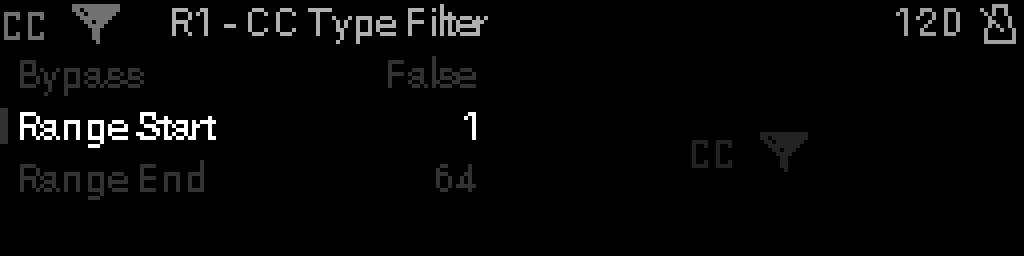
Use CC Type Filter to pass or block Control Change numbers in a CC range (by controller number, not value). Notes, clock, and other non-CC messages pass through unchanged.
Parameters
| Parameter | Range | What it does |
|---|---|---|
| Bypass | 0 – 1 | When on, the device is disabled and MIDI passes through unchanged. |
| Range Start | 0 – 127 | Low end of the filter range (note number or CC value 0–127). |
| Range End | 0 – 127 | High end of the filter range (note number or CC value 0–127). |
Parameter values
Bypass
| Value | Name | Meaning |
|---|---|---|
| 0 | Off | Device is active and processes MIDI. |
| 1 | On | Device is bypassed; messages pass through unchanged. |