
Quick Start
Power on → Perform screen. You are ready to turn knobs and send MIDI.
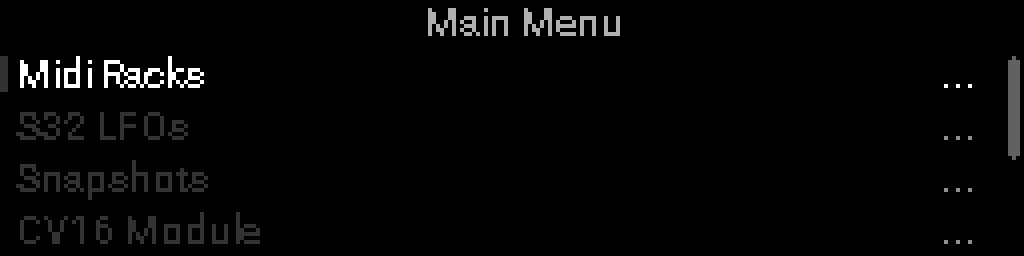
Open the Main Menu
From Perform: hold Select and Back together → Main Menu.
- Turn the encoder Encoder — move highlight
- Select — open item
- Back — return to Perform
Build a rack chain
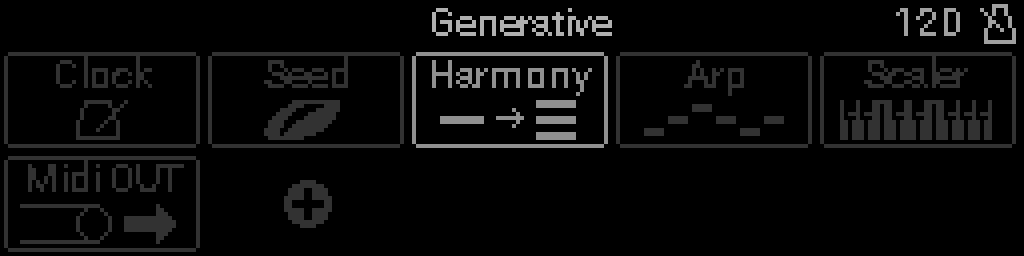
- Main Menu → Racks.
- Pick a rack (or create one).
- Select a device icon to edit its parameters.
Device chains hold up to 10 devices — see Rack chains.
Configure a knob macro
You are on Perform (the default screen after power-on):
- Turn a panel knob to show the knob you want, or Back → Knobs Grid → highlight a name → Select.
- Select — enter edit mode (Macro selection).
- Turn the encoder Highlight a macro row (1–4), then Select again to open its parameter grid.
INFO
See Setting up macros for the full walkthrough.