
Project
A project is a complete saved setup: all 32 knobs, macros, up to eight racks, LFOs, snapshots, plus the clock, default MIDI channel, and encoder-button shortcut that make that set work.
Project menu
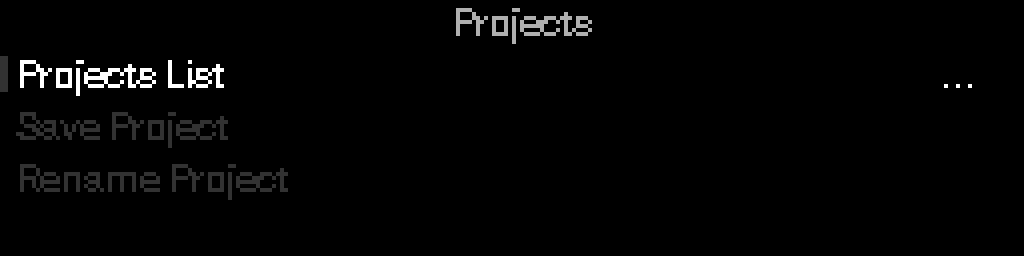
The open project’s name sits in a left tab, the same treatment as Main Menu. PROJECT stays centered. If the project has no name, there is no tab. Rows that open another screen show a three-line list icon on the right; Save Project and Rename Project show a ring and dot icon because Select runs the action immediately.
| Action | What it does |
|---|---|
| Project Settings | Clock, default MIDI channel, encoder-button shortcut |
| Library | Browse, load, create, rename, save as, or delete projects |
| Save Project | Save the active project (shown when there are unsaved changes) |
| Rename Project | Rename the active project |
To update every out-of-date project after a firmware change, use Settings → Migrate All Projects.
Project Settings

These settings belong to the open project. Changing them marks the project unsaved; Save Project writes them. Loading another project applies that project's values.
New Empty and DAW Defaults projects start at Internal clock, 120 BPM, MIDI channel 1, and encoder = Clock Start/Stop. Projects you already have keep the clock, channel, and encoder shortcut that were on the S32 until you change them.
Loading or switching a project applies clock source and BPM and stops transport. Play does not start by itself.
Clock Settings
| Parameter | Meaning |
|---|---|
| Source | Internal, External, or Auto MIDI clock |
| BPM | Tempo when internal (20–300); also editable from Perform → edit mode → BPM or tap tempo |
| Transport | Running / Stopped (internal only). Live only — not saved with the project |
Channel
Default MIDI channel for macros and devices that use “global” channel.
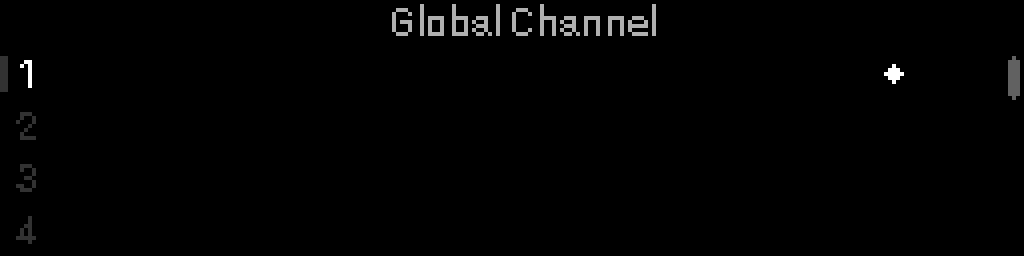
Dot marks the active channel.
Encoder Button
Choose what a standalone encoder press does from Perform.
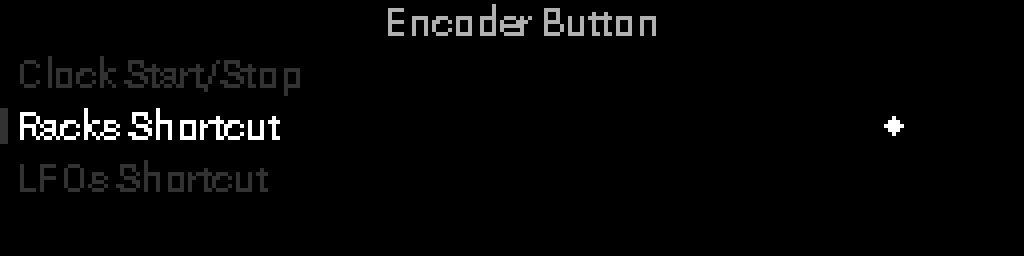
| Option | Action |
|---|---|
| Clock Start/Stop | Toggle transport |
| Racks Shortcut | Jump to racks |
| LFOs Shortcut | Jump to S32 LFO grid |
Manual save
Most edits — macros, racks, LFO wiring, device parameters, clock, channel, encoder — are kept in memory until you Save Project. Use Save Project before power-off if you want those changes back next time.
Switching to another project while you still have unsaved edits may show a prompt — save, discard, or cancel.
At a glance
| Racks per project | Up to 8 |
| Project name length | Up to 15 characters |
You can store as many projects as your storage allows. Open Settings → Storage Info to see how much space is left. If save fails, see Troubleshooting.
TIP
- Save Project — structure, mapping, or Project Settings changed and you want it after power cycle.
- Snapshots — quick scene recall within one project (see Snapshots — full guide coming soon).