
Edit Mode
Edit mode is the Macro selection zoom level: it configures the selected knob — knob name, BPM, and four macros.
Zoom stack: Grid ↔ Perform ↔ Macro selection (this page) ↔ Macro edit.
Enter edit mode
- On Perform, turn a panel knob to show the knob you want — or Back to open the Knobs Grid, highlight a name, and Select to confirm.
- Long-press Select (~700 ms). The header Select square fills while you hold. Edit starts as soon as that hold is long enough, while Select is still down, unless you pressed Back. Letting go early clears the square and stays on Perform.
Short Select on Perform does not enter edit. Select + Back still opens Main Menu during that hold and does not enter edit.
The encoder on Perform does not pick a knob. Encoder browsing of names happens on the Grid.
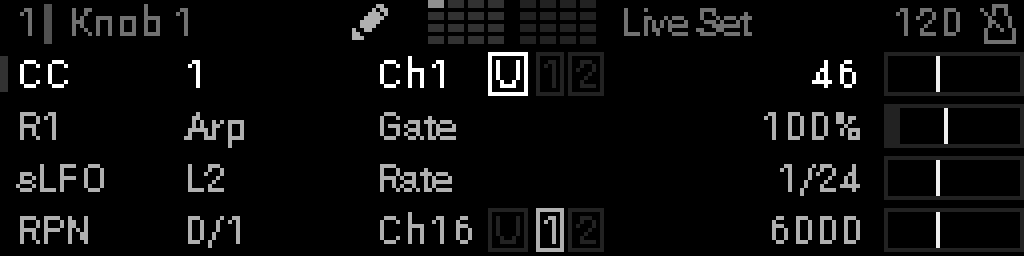
Macro rows 0–3 appear on the left with four-corner marks around the whole row (through the indicator bar and the value) — even if Perform was showing the packed one / two / three macro layout. What each row displays depends on its macro mode — see Macro rows on Perform. Empty / Disabled rows show a centered +; when selected they read + ADD MACRO with the plus in the same place.
Macro indicator bars on the right mirror each row (value and LFO modulation lines).
The header still shows the knob name and BPM. Rename the project from Main Menu → Project.
Select a field
Edit mode opens on macro row 0. Encoder order is knob name → BPM → macros 0–3 (no wrapping). From the first macro, one step up is BPM; two steps up is the knob name.
| Control | Action |
|---|---|
| Turn the encoder Encoder | Move between knob name, BPM, then macro rows 0–3. While Select is held on the knob name or a macro row, the encoder does nothing (the field stays, BPM stays, and Options still opens on a macro row). On the BPM row, hold Select and turn to change BPM |
| Select on macro row | Open Macro edit — that macro’s parameter grid |
| Long-press Select on a macro row | Open macro Options (name the control, MIDI Learn, Modulation, IN SNAPSHOT, edit message, etc.) |
| Select on name | Open name editor |
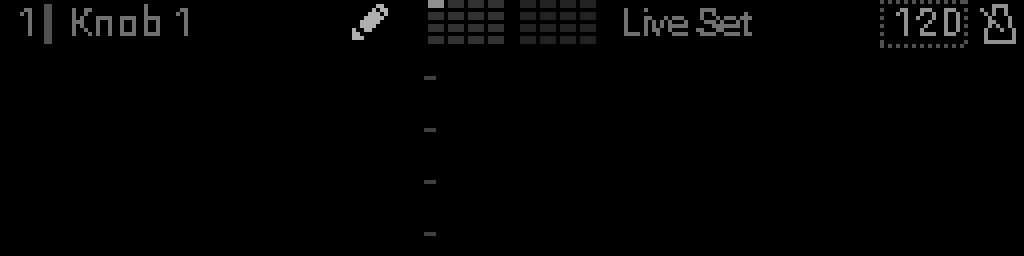
| Select on BPM | Select BPM for edit or tap tempo |
| Back | Return to Perform |
Macro row selected
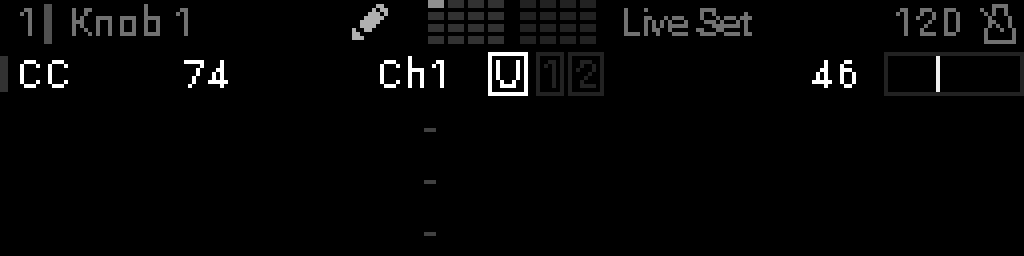
Empty macro selected
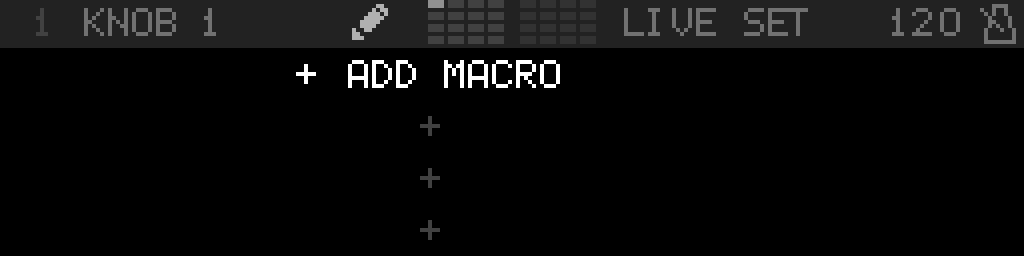
A Disabled (empty) row selected in edit mode shows + ADD MACRO. Press Select to open the macro grid and choose a mode.
Macro Options
Long-press Select on a macro row (not Select + Back) opens Macro N - Options. The list matches device and LFO parameter Options as far as a macro can:| Row | What it does |
|---|---|
| Modulation | Nested menu: Assign LFO always (when this mode can take an LFO), then Edit LFO, Enable/Disable LFO, and Remove LFO when one is assigned. An S32 LFO or CV16 LFO macro is already the LFO — that submenu is Edit / Enable-Disable only. |
| MIDI Learn / Name Macro / Edit the Device / Edit Message | Stay on this root list. A Disabled row offers MIDI Learn and IN SNAPSHOT. |
| IN SNAPSHOT ON/OFF | This macro’s live switch. It starts ON and stays on the list even when no knobs snapshot is occupied. OFF leaves the macro where it is on every recall, fade, and morph. The header knob grid shows a gap through that knob’s cell when any of its macros reads OFF. See Snapshots. |
There are no divider lines between groups. Back from Modulation returns to this list.
Knob name
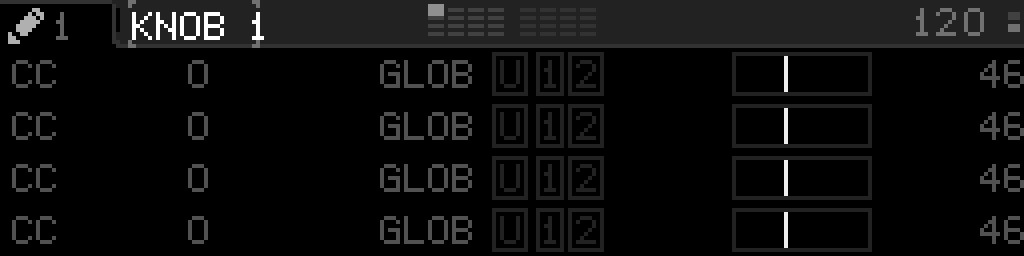
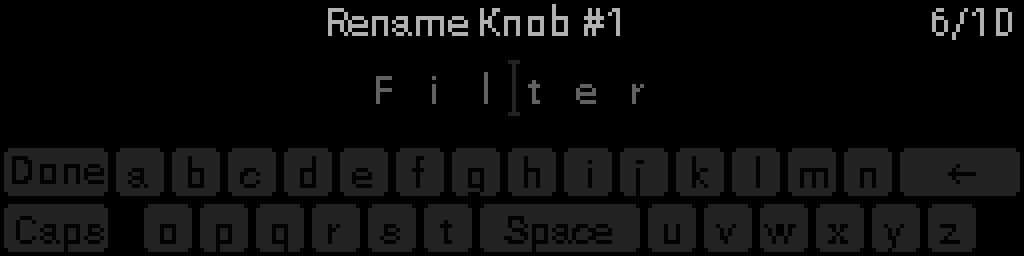
When the encoder is on the knob name, four-corner marks wrap the name at the length on screen — not the number tab. Press Select to open the text editor.
BPM field
INFO
For tap tempo, see Tap Tempo.