
Note Range Filter
Filter by note range
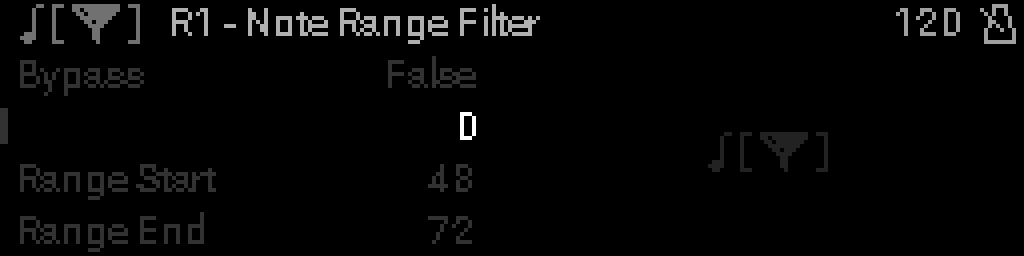
When to use it
Add Note Range Filter to keep or drop notes inside a pitch window — split keyboard zones or remove accidental low/high notes.
Parameters
| Parameter | Range | What it does |
|---|---|---|
| Bypass | 0 – 1 | When on, the device is disabled and MIDI passes through unchanged. |
| Drop In Range | 0 – 1 | When on, notes inside the range are removed; when off, only outside passes. |
| Range Start | 0 – 127 | Low end of the filter range (inclusive note number). |
| Range End | 0 – 127 | High end of the filter range (inclusive note number). When start is greater than end, the range wraps (e.g. 100–10 includes notes 100–127 and 0–10). |
Parameter values
Bypass
| Value | Name | Meaning |
|---|---|---|
| 0 | Off | Device is active and processes MIDI. |
| 1 | On | Device is bypassed; messages pass through unchanged. |
Drop In Range
| Value | Name | Meaning |
|---|---|---|
| 0 | Keep inside | Pass notes inside the range; block outside. |
| 1 | Drop inside | Remove notes inside the range; pass outside. |