
M2CV
MIDI to control voltage
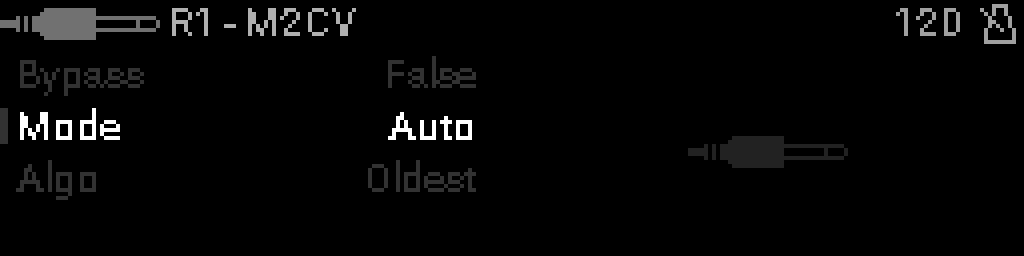
When to use it
Convert MIDI notes or gates to control voltages with optional voice-allocation rules.
TIP
Use M2CV at the end of a CV16-equipped rig.
Parameters
| Parameter | Range | What it does |
|---|---|---|
| Bypass | 0 – 1 | When on, the device is disabled and MIDI passes through unchanged. |
| Mode | 0 – 2 | Operating mode for this device (see values below). |
| Algo | 0 – 6 | Voice-allocation or routing algorithm (see values below). |
Parameter values
Bypass
| Value | Name | Meaning |
|---|---|---|
| 0 | Off | Device is active and processes MIDI. |
| 1 | On | Device is bypassed; messages pass through unchanged. |
Mode
| Value | Name | Meaning |
|---|---|---|
| 0 | Auto | M2CV: map notes to CV automatically by pitch. |
| 1 | Channel | M2CV: one CV channel per MIDI channel. |
| 2 | Gate | M2CV: emit gate/trigger voltages from note on/off. |
Algo
| Value | Name | Meaning |
|---|---|---|
| 0 | None | No voice stealing — one voice per note. |
| 1 | Oldest | Steal the longest-held voice when poly limit reached. |
| 2 | Newest | Replace the most recent voice. |
| 3 | Lowest | Steal the lowest-pitched active voice. |
| 4 | Highest | Steal the highest-pitched active voice. |
| 5 | Low Vel | Steal the quietest active voice. |
| 6 | High Vel | Steal the loudest active voice. |