
Tap Tempo
Set internal BPM by tapping in time — no menu diving required. Clock mode must be Internal (Project → Project Settings → Clock Settings).
Steps
- Perform → long-press Select to enter edit mode.
- Turn the encoder Encoder → highlight BPM.
- Hold Select on BPM — hold-edit session starts (header shows active BPM box).
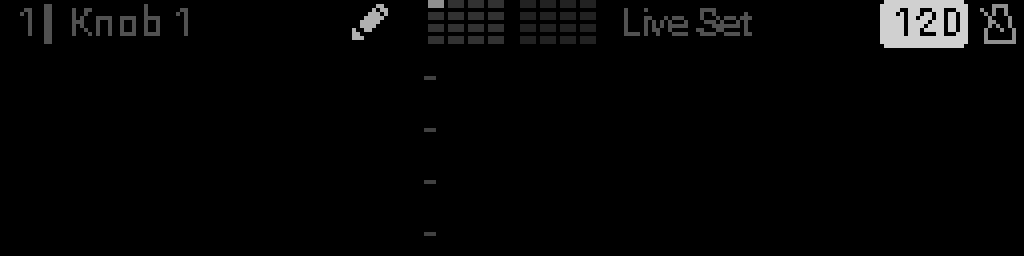
- While holding Select, tap Back repeatedly in rhythm.
- After two or more taps within about 2 seconds, BPM updates to the tapped rate.
- Release Select to save and exit hold.
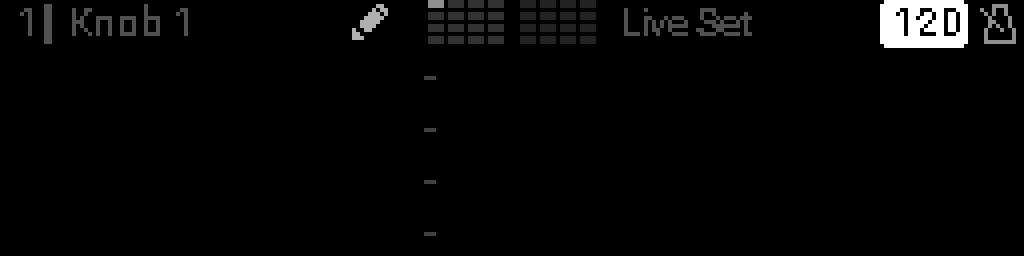
Alternative while holding
- Turn the encoder Turn the encoder to nudge BPM ±1 without tapping.
- Release Select without tapping to keep the previous BPM (if unchanged).
Controls summary
| Step | Control | Action |
|---|---|---|
| 1 | Select | Enter edit mode |
| 2 | Turn the encoder Encoder | Select BPM field |
| 3 | Hold Select | Start tap-tempo session |
| 4 | Tap Back (while Select held) | Register tempo taps |
| 5 | Release Select | Commit BPM |
INFO
Tap tempo only affects the internal clock. External or auto clock modes ignore tap input.