
Racks
Each project holds up to 8 MIDI racks. A rack is a chain of MIDI devices (filters, arps, scalers, etc.).
Rack list
Main Menu → Racks shows all racks in the active project. Turn the encoder Select a rack to open its device grid.
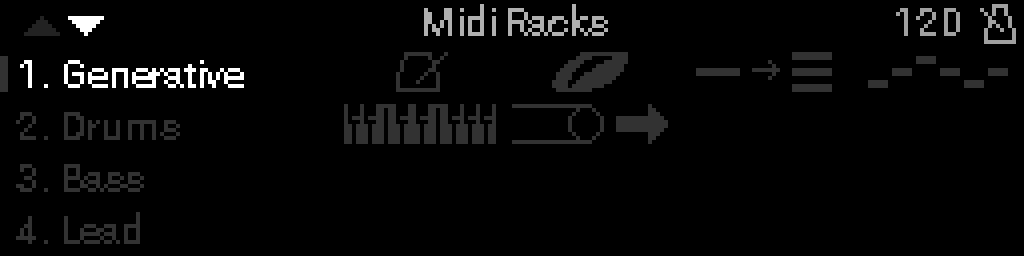
| Control | Action |
|---|---|
| Turn the encoder Encoder | Select rack |
| Select | Open rack device grid |
| Long-press Select | Side menu: Rename, Duplicate, Clear, Snapshots |
Device grid
Each cell is one device in the chain. MIDI flows through devices in chain order.
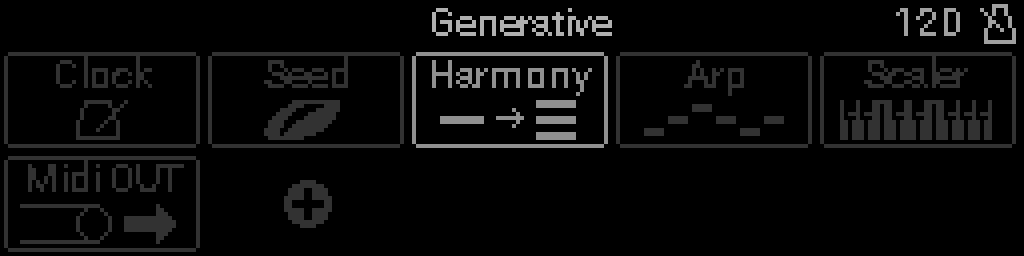
| Control | Action |
|---|---|
| Turn the encoder Encoder | Select device |
| Select | Open device parameters |
| Long-press Select | Options: Duplicate Device, Move Device (when it can slide), Remove Device |
Add a device
Open the device picker from an empty slot or replace menu.
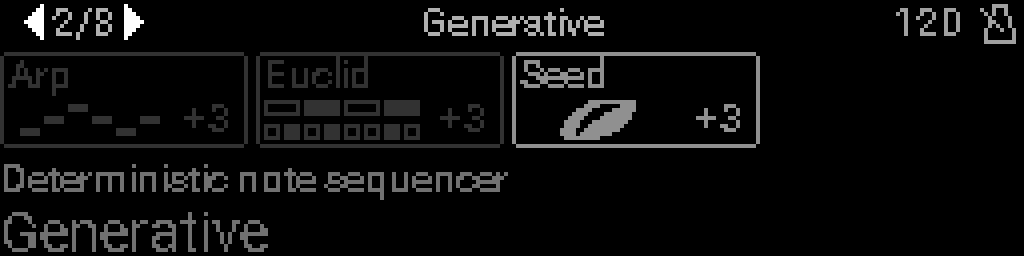
Types that are dimmed cannot be added right now — the rack may be full, or that device type is already at its maximum. Selecting a dimmed type shows a short explanation.
How many devices fit in one rack, and how many of each type, is summarized in Rack chains.